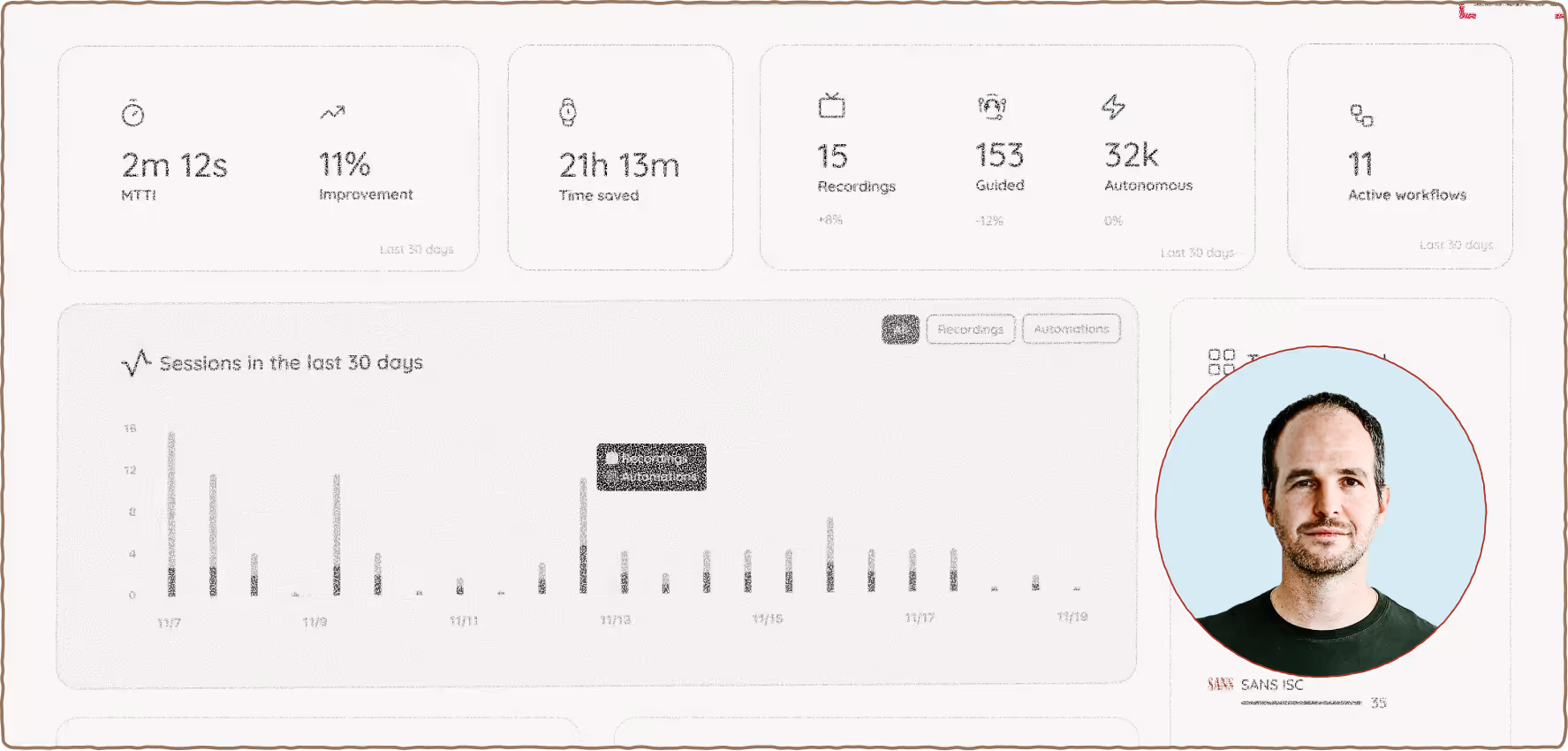
Guided Mode

Put all of Legion’s learnings to work while you hold the reins.

In Guided Mode, Legion works with your analysts to bring workflows to life. Just like training a new hire, they’ll keep tabs on Legion as it takes more on—opening tabs, running queries, and summarizing data alongside your team.
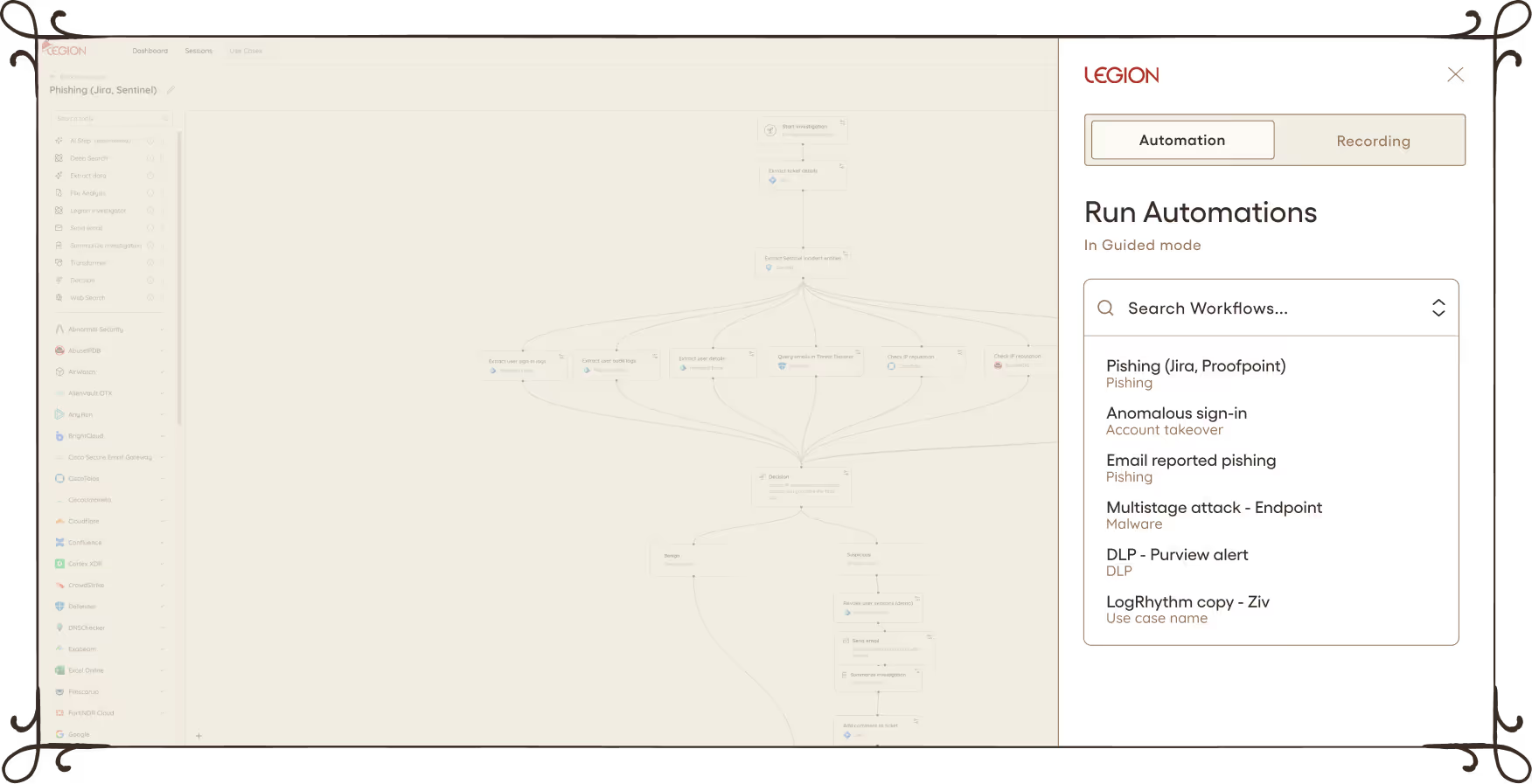
Banner with a green dragon icon and text about running complete investigations under your guidance, with Legion explaining every step and keeping a human in the loop.LEGION Investigate panel showing search for workflows with use case names like Heico - browser 1, Phishing - Sentinel, and Domain investigation, with a button to start Legion investigation.
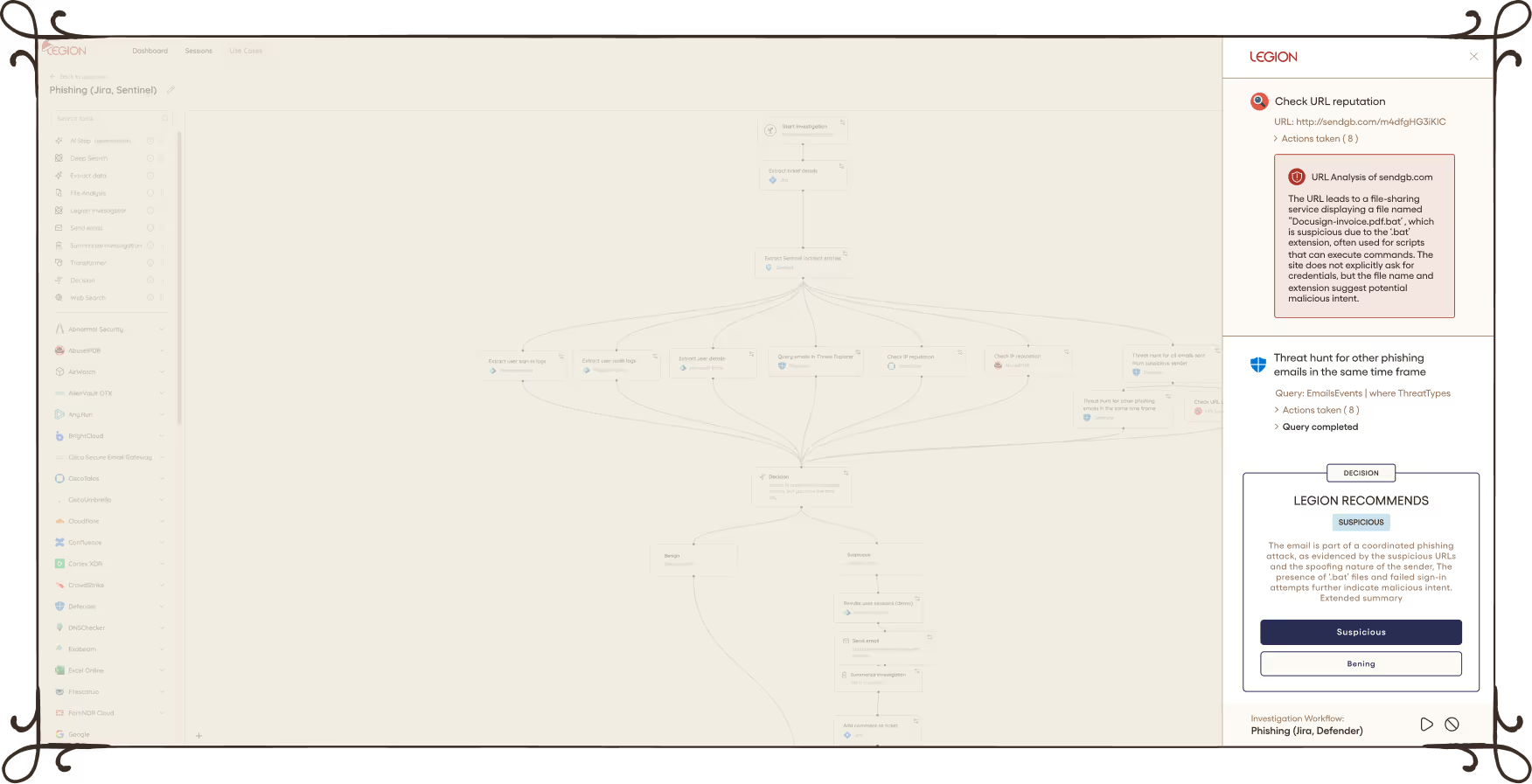
Banner with a griffin symbol and text: Test automation safely, step by step. Tune Legion's workflow execution live as it learns from your team's choices.Legion security interface showing an investigation in progress with steps like checking URL reputation, extracting information, and analyzing email headers.
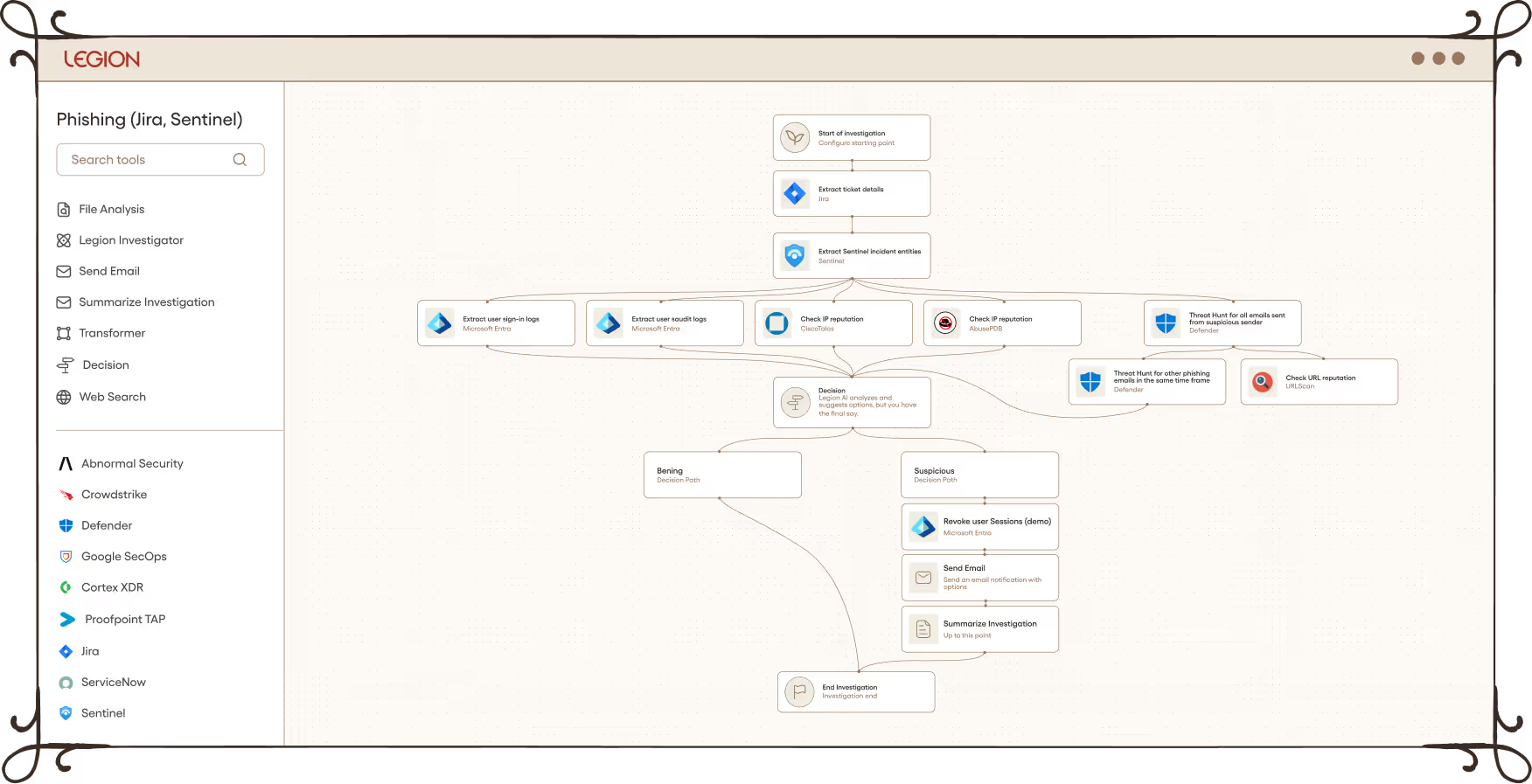
Banner with a green dragon icon and text: Speed and consistency from day one ensuring a streamlined, high-quality response regardless of who is on shift.Dashboard showing six cybersecurity use cases with details on MTTA, MTTR, automations, and modes Guided or Autonomous.

Train your dragon to execute your workflows.

Ready to let Legion fly solo?